

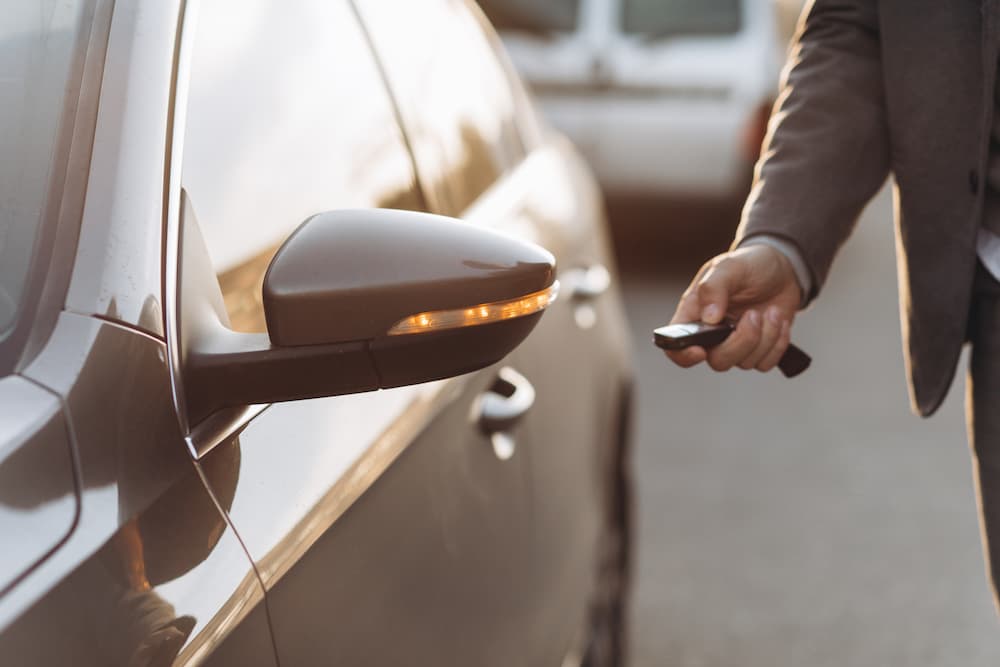
You rely on your Ford key fob battery to lock and unlock your doors. In some cases, it also helps to start your car or offer reassurances when you hit the Panic button. However, there may come a time when you click the button and nothing happens. It’s time to change the battery. Here’s a look at everything you need to know:
The Telltale Signs of a Dying Battery
You probably don’t spend a lot of time thinking about your key fob battery. This is okay because there will be warning signs when it’s time to replace the battery. Some signs are subtle while others are obvious. Here’s a look at a few of the telltale signs of a dying battery:
- Bad signal strength
- Reduced signal range
- Locking and unlocking are delayed
- Warning lights on the dashboard
- Difficulty starting the car
- Unresponsive buttons
- Inconsistent performance
If you’ve noticed any of these signs, it’s time to go ahead and change the battery before it fails.
Preparation: Necessary Tools and Battery Selection
When it’s time to replace your key fob battery, you want to have everything you need on hand. You need to assemble your tools, including a screwdriver and the new battery. It’s a good idea to locate your owner’s manual and read the instructions for replacing the battery a couple of times before you get started.
You want to quickly and easily change the battery without looking for additional tools or going to the store for a different size battery. Before you take the first step in replacing your Ford key fob battery, you should verify the size battery based on the year and model of your vehicle.
Step-by-Step Guide: Replacing the Ford Key Fob Battery
Depending on the year and trim level, the answer for how to replace the battery in a Ford key fob may vary a little. The type of Ford key fob battery can be one of three major types of batteries. Here’s a look at the steps:
- Release the key blade. If it’s an older model, you’ll need to manually release it, while newer models have a button to release it.
- Gently pry the key fob open using a screwdriver. Start at the key blade, and insert the screwdriver at that end. Wiggle the screwdriver, and the plastic cover should pop off, revealing the battery underneath.
- Use the screwdriver to pry the battery out.
- Ensuring the plus side is up, replace the battery. Click the key fob cover back in place.
If you have any challenges in replacing your key fob battery, consult your owner’s manual for specific instructions for your year and model.
Troubleshooting and Parts
You need a minimum of tools and parts to change your key fob battery. These tools include:
- A replacement battery, typically CR2032 or CR2025
- Small flathead screwdriver
When you’re replacing your battery, you might run into a problem. Here’s some help with troubleshooting the process:
- Placing the battery in the incorrect position. The positive side should be facing up. When you take off the cover, take a picture of the battery before removing it, so you can ensure correct placement.
- The fob doesn’t work when the casing is replaced. Press down the buttons slowly to see if they click back in place. If that doesn’t work, you may need to take it to a professional.
Contact the Visalia Ford Service Center for More Complex Issues or Professional Assistance
When it’s time to replace the key fob battery, you need to act quickly. Visalia Ford Service Center can get the parts you need. For more complex issues, we want to be your first call. Contact us now.
Image Source: Anatoliy Cherkas/Shutterstock
Connect with us


